
Zappalina
-
Posts
236 -
Joined
-
Last visited
-

Suggestion - Labyrinth of Fog Tutorial
Zappalina replied to Zappalina's topic in Suggestions & Feedback
Thank you for that. Does he talk to someone who hasn't completed the tutorial in awhile? I feel like i clicked on him and there was nothing there as It's been a time since I've originally accessed the Labyrinth before this update.. Could be wrong though I'll log in to check it out. Still suggestions: I did look at him and he does explain a lot of the things that I knew from exploring the labyrinth and doing achieving some of the badges. I don't understand what all of the different zones are from the colors of the swirling portals - those could bear out more explanation somewhere. The other zone that is locked explanation on a way to achieve that (in game not on the forums) would be good. -
I am seeing the Minotaur and The Minotaur seems to be stuck in this area inside of the wall. It is not what defeated my character. He just keeps circling inside of the wall. Whereami: Server: Excelsior Zone/Mission: The Labyrinth of Fog Position: [-4284.4 -151.6 152.7] Loc: [-4284.4 -151.6 152.7]

-
Hi, With all of the options available for the Labyrinth of Fog - it would be nice to have a tutorial or something similar maybe a person standing there that we can click like in outbreak where there's an explanation of how to use enhancements. I'm not suggesting missions - just either a person or item there that we could click for more information. I'm seeing all of the options here in the picture and do not know what "font" is when asking I was directed to the forums which is fine I'll go look it up when I have time. However I'd rather just have someone explain it in game and I am sure there are a lot of players out there who do not access the boards and may wonder what they've come across as they're exploring the game. Suggestion: Have a person, creature or object, spirit item etc. explaining what the labyrinth of fog is - (Maybe Charon or Vanth and Charu (or Charun) ) and then that explains what we are accessing, what the glowing portals are, what the center black box is and what those zones are -Maybe if you want to make it more interactive and true to the myths, we give him a coin or something to pay the price to the ones who guard the pathways to the underworld.
-
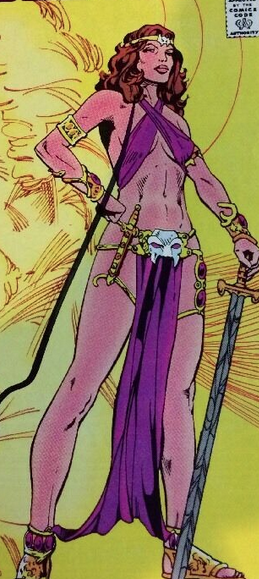
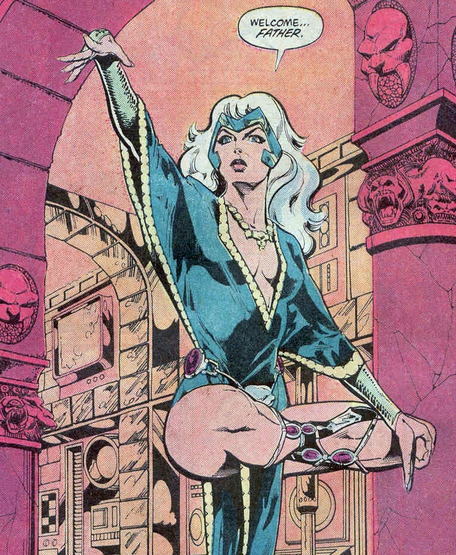
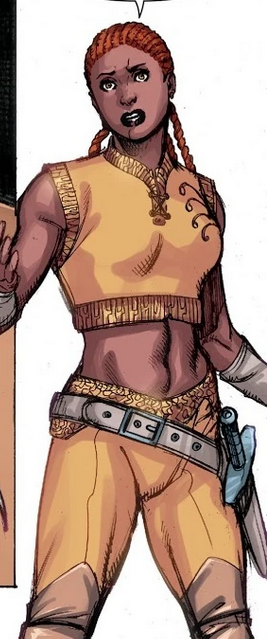
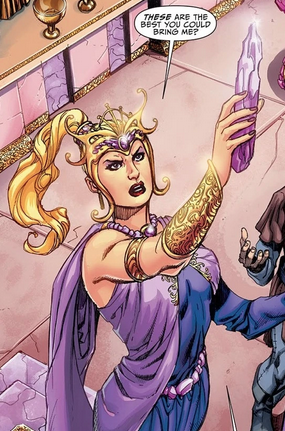
Hi with these suggestions - none of them are for the exact pieces as that would be a no no but the general idea is the gist Tintable head piece like this but not the same so we don't infringe - tiara This bottom and the bracers on her wrists are cool with the jewel - make a bracer with the jewel tintable or glowie please? The bottom is like a reversed butt cape Anything similar to her belt and where it's slung (low hip) and severed head and also a version of a hanging metallic bikini bottom cover would be nice like a small version of a butt cape but in the front and back. Longer version in previous picture. The short version of one of the capes does the proper look of hanging, on the back the cape that has the fringe. Big hair please Another low belt option with attached dagger or pistol would be nice. Another Bracer, Tiara and hair idea request in the below picture. Thanks
-
Odd half window popping up when i log in toons
Zappalina replied to Meknomancer's topic in Bug Reports
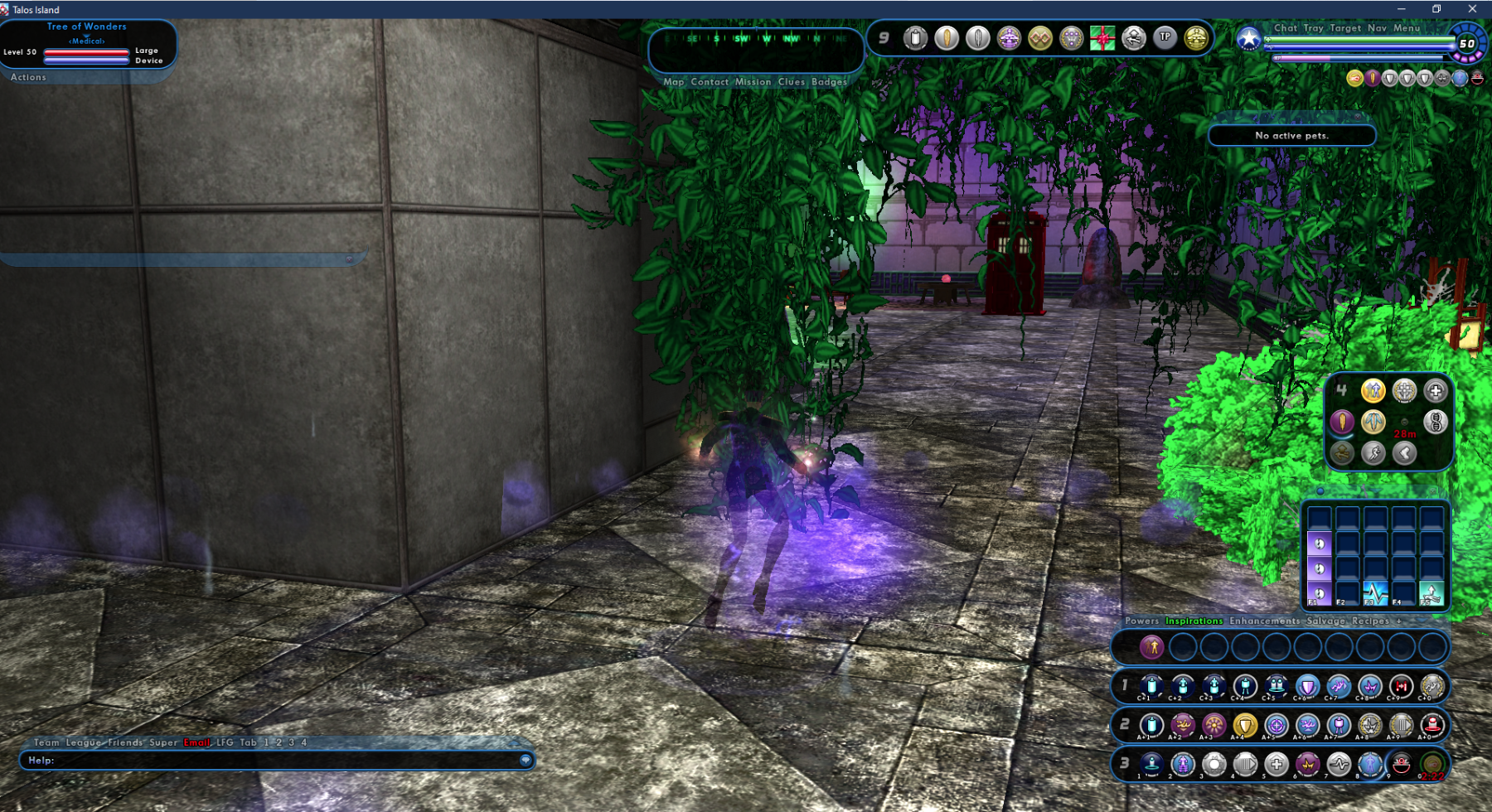
This did this tonight, was on other characters but logged in on this one, went into the super group base, my tree of wonders inspiration item in the other room is targeted that came up okay when I clicked on it and I did not notice this until I went into another room.
-
Odd half window popping up when i log in toons
Zappalina replied to Meknomancer's topic in Bug Reports
I had this window pop up and happen yesterday but not on log in, it happened on 11/27 when I exemplar on a team that was about to do Positron, so previous to this window popping up I like to read team mates info but it was conning grey and not being allowed to click, asked team mates to try it and they said yes that it was like a ghost/grey and wouldn't allow people to see their information when clicking that window up in the top left there the "target" window. the word Actions have items on it usually that you can read a person's info etc. so I wasn't the only person experiencing it, however about mid way through the first mission a window like the one you see with the X in the corner popped up (except with the x appearing as a bottom right of a disappearing window like you have in red) and then i clicked it and was able to target enemies and read their info and team mates and it all went back to normal. edit: It hasn't happened since -
page 3 [FOCUSED FEEDBACK] Supergroup Base Adjustments
Zappalina replied to The Curator's topic in [Open Beta] Focused Feedback
The internet calls the spiritual tables, Altar tables. If it's a gazing crystal then it would be a scrying table or crystal gazing table - the internet also has this, though I've never heard of it "Crystallomancy: A more technical term that refers to the use of crystals for divination" You could also call it the divination table. -
page 3 [FOCUSED FEEDBACK] Supergroup Base Adjustments
Zappalina replied to The Curator's topic in [Open Beta] Focused Feedback
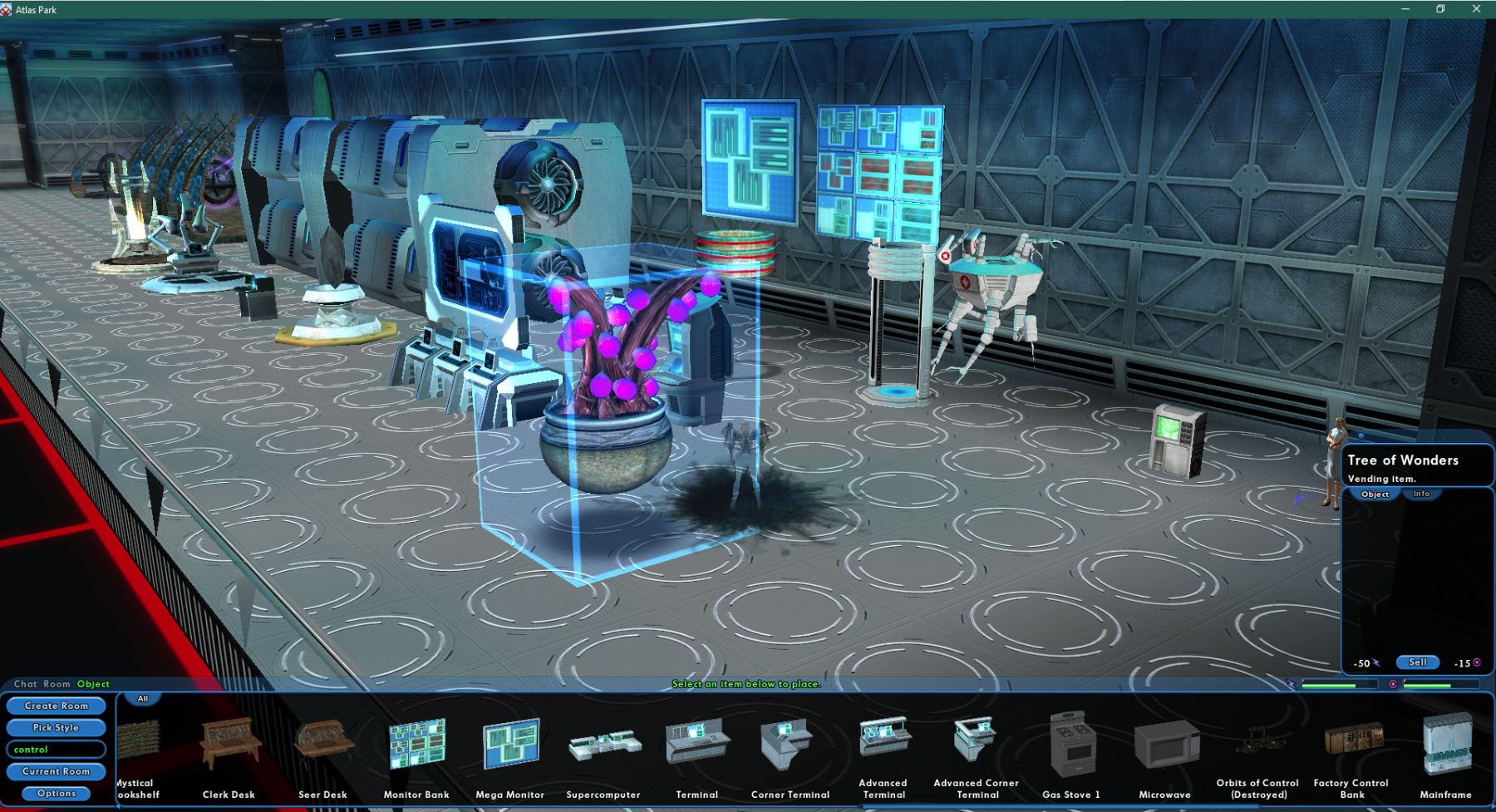
Oh okay thank you Dacy, I thought control was needed, last night the Tree of Wonders when I placed it did not work until I placed a control item in the base, but I just tried it again and it worked with the leytap. I don't build elaborate bases but I used to build them/revamp them for hours on live when I had insomnia bouts - which is how I knew about the control aspects; I didn't realize that control had been added to the power items. -
I tried to recreate it on live but it wasn't doing anything there.
-
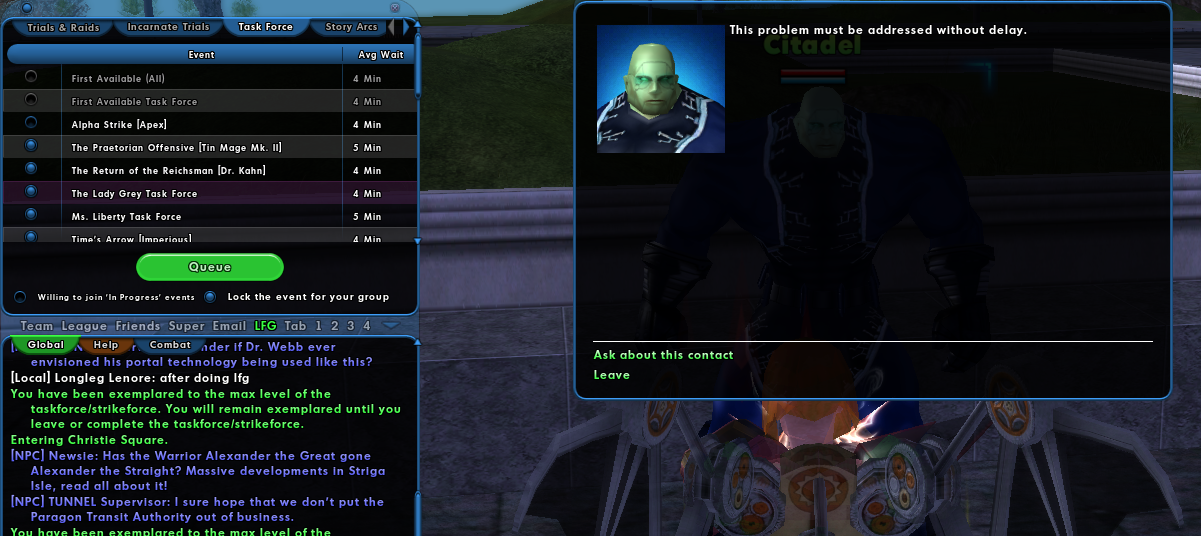
Okie doke, I think they may have seen it already but here's the all of it below. _______________________________________________________________________________________ I think i found a Bug: I was on the Zoe task force, I decided to exit the mission and then figured I'd see how it looked in the LFG menu. I did not complete but left the first Zoe task force mission by walking out. I then used LFG menu to port to Positron was able to choose and started a new task force Posi 1 - Tried to do the second task force as it is in the list for discussion with Positron, when I click on it says better things to do etc. Use LFG to try to port back to Zoe will not allow me to, Ports me to Positron. I thought this was odd and wondered what happened to the Zoe task force. I figured out that when choosing multiple task forces in the LFG menu it can quit the last task force you are enrolled in upon zoning into a new zone. I was able to recreate this on three characters. I logged into live to make sure it wasn't something I had missed previously on live, it isn't on live it is working as it always had been. Notes: I did not quit the Zoe task force. But the option to be engaged in a task force the team menu saying Quit was no longer there - it would auto quit when using the LFG if I went to a new zone. - anytime I used LFG to port somewhere else during another task force being chosen. It will allow for multiple options to be chosen/highlighted. This image below is what I mean by multiple LFG task forces being chosen. My next test was logging onto a character - going to Citadel, using LFG to go to Synapses and upon zoning into Skyway the same thing happened when clicking Synapses, able to start a new task force and the Citadel is gone, but it doesn't say I've quit my task force etc. . My next test was going from Citadel to Manticore and starting a new task force with manticore upon zoning in using LFG, again it doesn't say that I've quit the last task force. I have images of the testing but didn't want to inundate the boards with a bunch of images and thought explaining it would work. If I would use the Tram/Train to go from Talos-Citadel to Skyway-Synapses it would not do this, but seemed to consistently do it with LFG the three times I tried different task forces. I figured that it is using the LFG menu and choosing multiple task forces - I choose the Lock the event for your group (see image above) and leave Willing to join i progress events unchecked. Figured this is a bug that may be important. Did not test to see if completion of task force missions would give multiple awards or be bugged etc. as I stopped at the these beginning steps of attempting to start a task force. Bug on LFG and task forces (I did put this in the bug for Beta section but only the video). As this is a free video sharing website the link is only good for three days.
-
page 3 [FOCUSED FEEDBACK] Supergroup Base Adjustments
Zappalina replied to The Curator's topic in [Open Beta] Focused Feedback
I could be missing it but the control items that help with base power, aren't showing up unless type in Control and I think that they should be under "Base Services" or for new people who may be building a base, do a Control tab and a Power tab, or yea stick them under base services, I did find them eventually under Arcane and Tech but I wouldn't know what they were I would just think they were decorations and not needed to help run the base items like multiple porters etc.
-
Bug on LFG and task forces I noticed this when doing the Zoe task force and posted more detailed information there.
-
I think i found a Bug: I was on the Zoe task force, I decided to exit the mission and then figured I'd see how it looked in the LFG menu. I did not complete but left the first Zoe task force mission by walking out. I then used LFG menu to port to Positron was able to choose and started a new task force Posi 1 - Tried to do the second task force as it is in the list for discussion with Positron, when I click on it says better things to do etc. Use LFG to try to port back to Zoe will not allow me to, Ports me to Positron. I thought this was odd and wondered what happened to the Zoe task force. I figured out that when choosing multiple task forces in the LFG menu it can quit the last task force you are enrolled in upon zoning into a new zone. I was able to recreate this on three characters. I logged into live to make sure it wasn't something I had missed previously on live, it isn't on live it is working as it always had been. Notes: I did not quit the Zoe task force. But the option to be engaged in a task force the team menu saying Quit was no longer there - it would auto quit when using the LFG if I went to a new zone. - anytime I used LFG to port somewhere else during another task force being chosen. It will allow for multiple options to be chosen/highlighted. This image below is what I mean by multiple LFG task forces being chosen. My next test was logging onto a character - going to Citadel, using LFG to go to Synapses and upon zoning into Skyway the same thing happened when clicking Synapses, able to start a new task force and the Citadel is gone, but it doesn't say I've quit my task force etc. . My next test was going from Citadel to Manticore and starting a new task force with manticore upon zoning in using LFG, again it doesn't say that I've quit the last task force. I have images of the testing but didn't want to inundate the boards with a bunch of images and thought explaining it would work. If I would use the Tram/Train to go from Talos-Citadel to Skyway-Synapses it would not do this, but seemed to consistently do it with LFG the three times I tried different task forces. I figured that it is using the LFG menu and choosing multiple task forces - I choose the Lock the event for your group (see image above) and leave Willing to join i progress events unchecked. Figured this is a bug that may be important. Did not test to see if completion of task force missions would give multiple awards or be bugged etc. as I stopped at the these beginning steps of attempting to start a task force. Bug on LFG and task forces (I did put this in the bug for Beta section but only the video). As this is a free video sharing website the link is only good for three days.
-
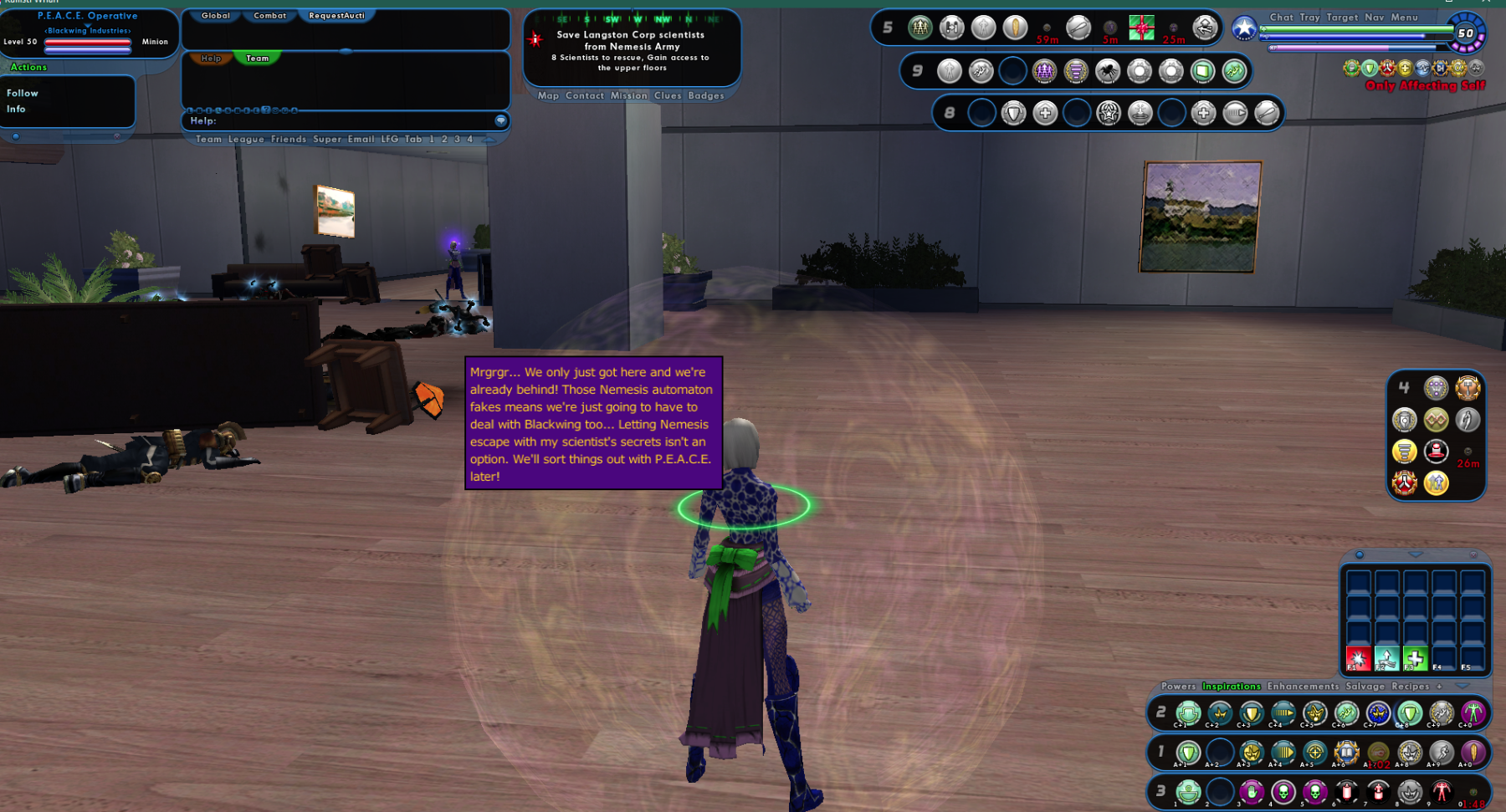
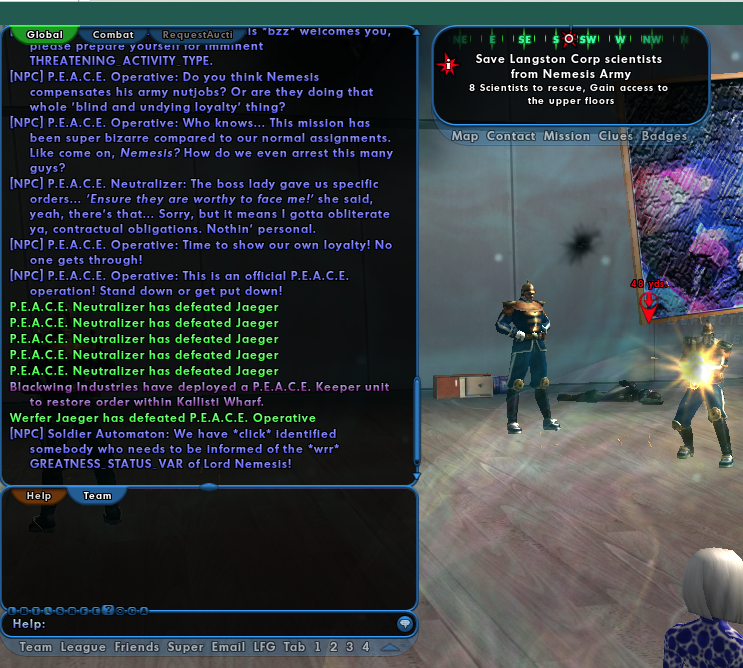
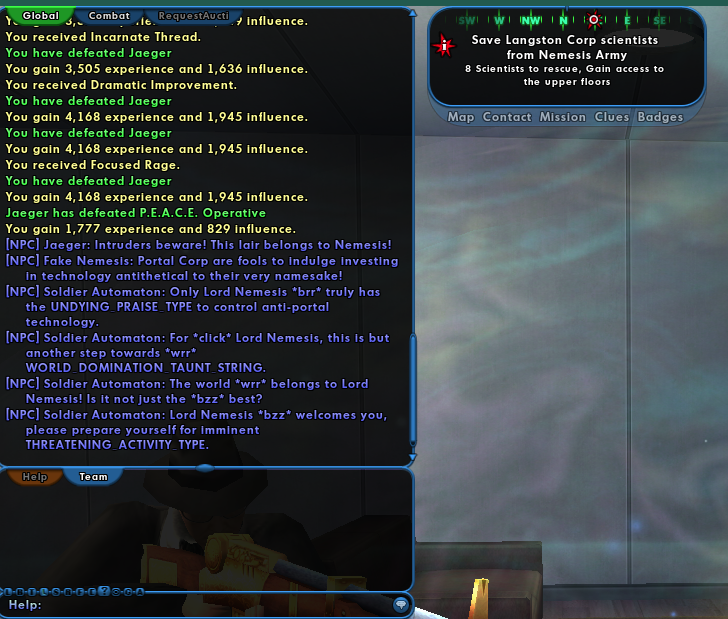
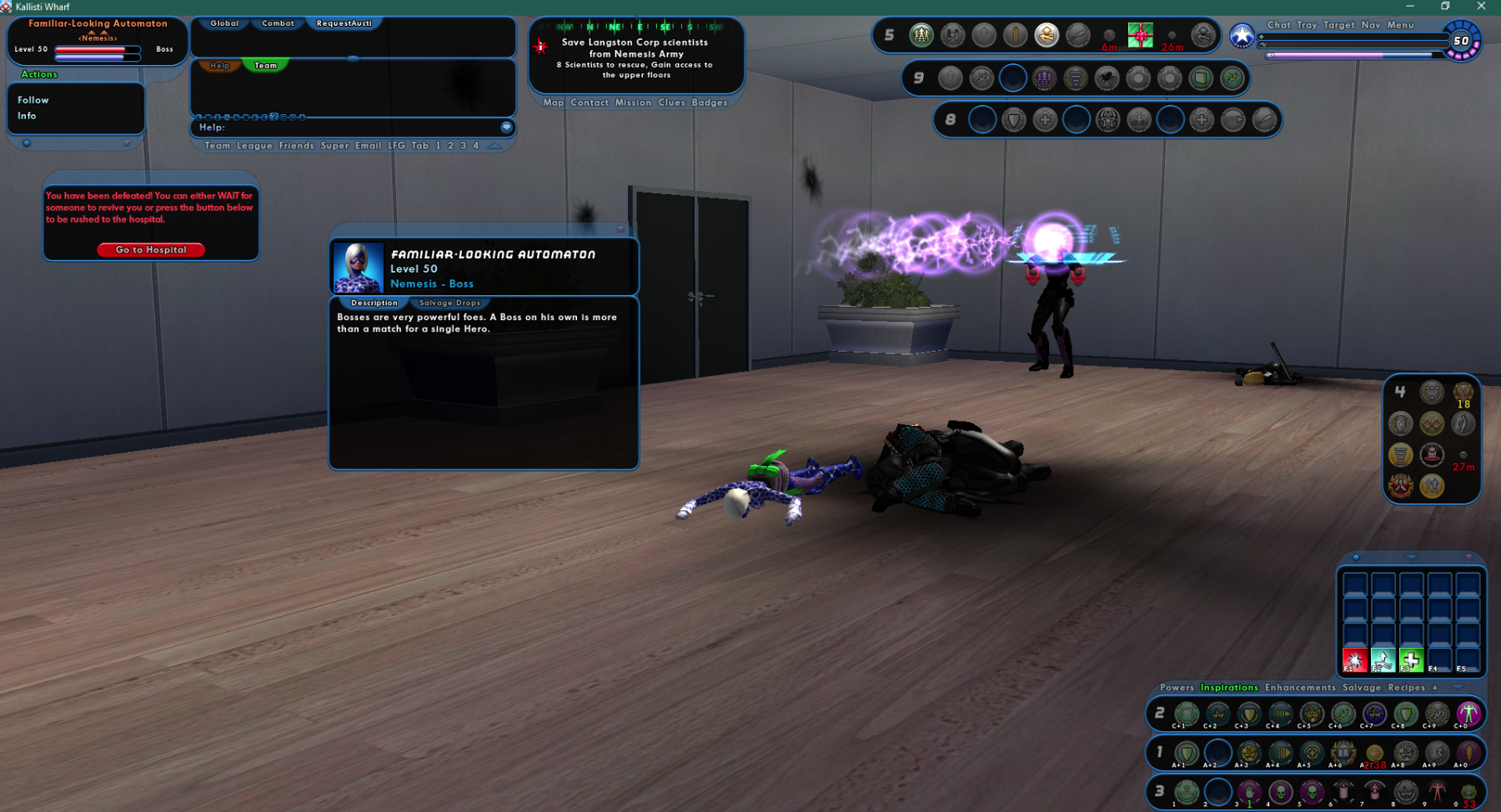
These are all in the first mission of the task force. What is the mrgrgr...? also you all ❤️ the three dots in this dialogue this is from the first mission. It's usually a tell on what generation you're from Hi Boomer or Hi GenXers 😄 Next image Is this meant to be the dialogue? the GREATNESS_STATUS VAR Next image The dialogue in capital letters - are those meant to be filled in with something specific?
-
The language for the boss - I am not a male. Could you please change this to non gender specific?