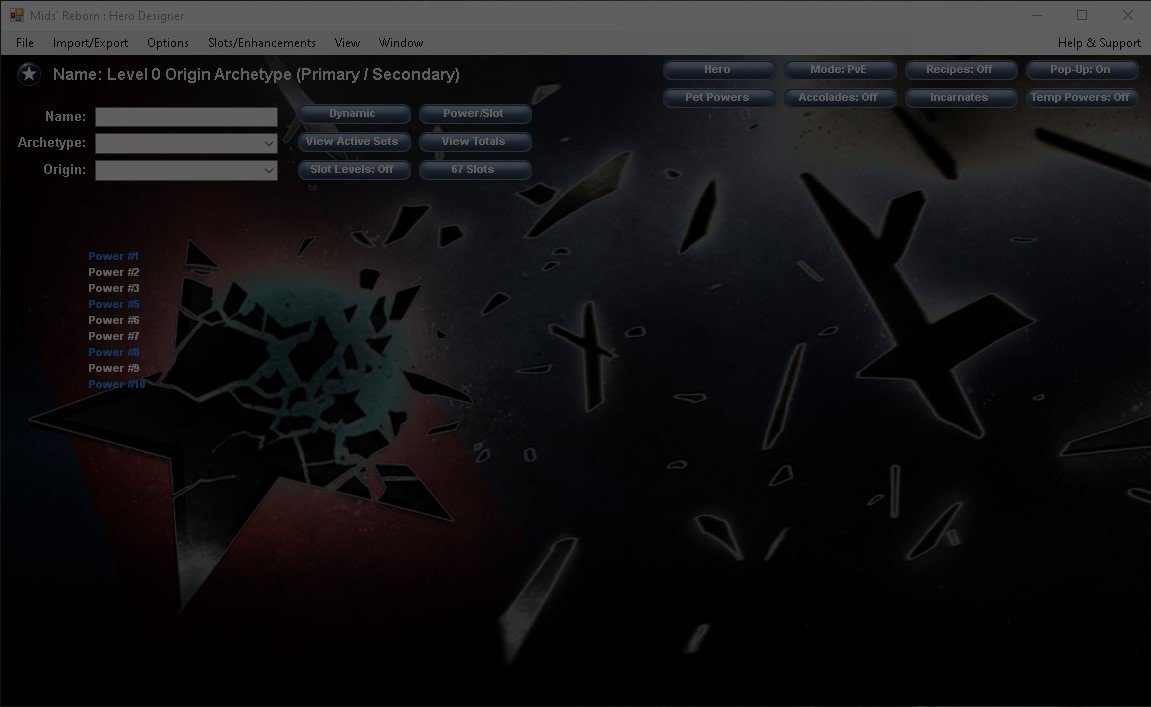
Bill Z Bubba Posted Saturday at 11:16 PM Posted Saturday at 11:16 PM Howdy. Hoping someone has seen this and knows a fix. I searched for mids-bootstrap.exe and saw no mention of it. Mids is installed and functioning fine otherwise on two Windows 11 systems. However, when I attempt to update it, I get the following error: Clicking OK just takes me back to Mids. Anyone have any ideas how to correct this so that I can update the Homecoming DB within Mids? I already did a full purge of Mids including all directories and did a reinstall using the latest installer from the website. Thanks, -BZB
Bill Z Bubba Posted Sunday at 05:31 PM Author Posted Sunday at 05:31 PM Appears I was missing Visual C++ v14 fox x64 from https://learn.microsoft.com/en-us/cpp/windows/latest-supported-vc-redist?view=msvc-170 Installed that, now Mids' is reporting fully updated.
Timeshadow Posted Monday at 10:56 PM Posted Monday at 10:56 PM @Bill Z Bubba You da man! I decided to come back to the game yesterday but couldn't get Mids to update, which meant I couldn't put a build together for the toon I wanna play. This is exactly what I needed! 1 You wanna play Peacebringer?😒 Fine, but at least check out this guide first: Peacebringers STILL SUCK!!! (v. 1.1)
Uncle Shags Posted Tuesday at 04:00 AM Posted Tuesday at 04:00 AM I believe my message is the same: I tried your fix and it didn't work. It seems like I have the same symptoms. Clean install, first updates try and then ultimately fails. Trying again gives the error message. Nothing has changed. Same PC, same OS.
Uncle Shags Posted Tuesday at 04:20 AM Posted Tuesday at 04:20 AM Apparently the new patch is all sorts of wonky. This fixed it for me: 1



Recommended Posts